Bring a screen.
Open Uzy on your phone. Turn it sideways for the full robot-face experience.
Meet Uzy. An expressive little buddy that turns a spare phone into your desk’s newest personality.
Connect your own AI service with an API key and choose its available models.
A curious glance. A sleepy blink. That unmistakable “you did what?” look. Tap an expression and get to know Uzy.
Open the fullscreen preview →Open Uzy on your phone. Turn it sideways for the full robot-face experience.
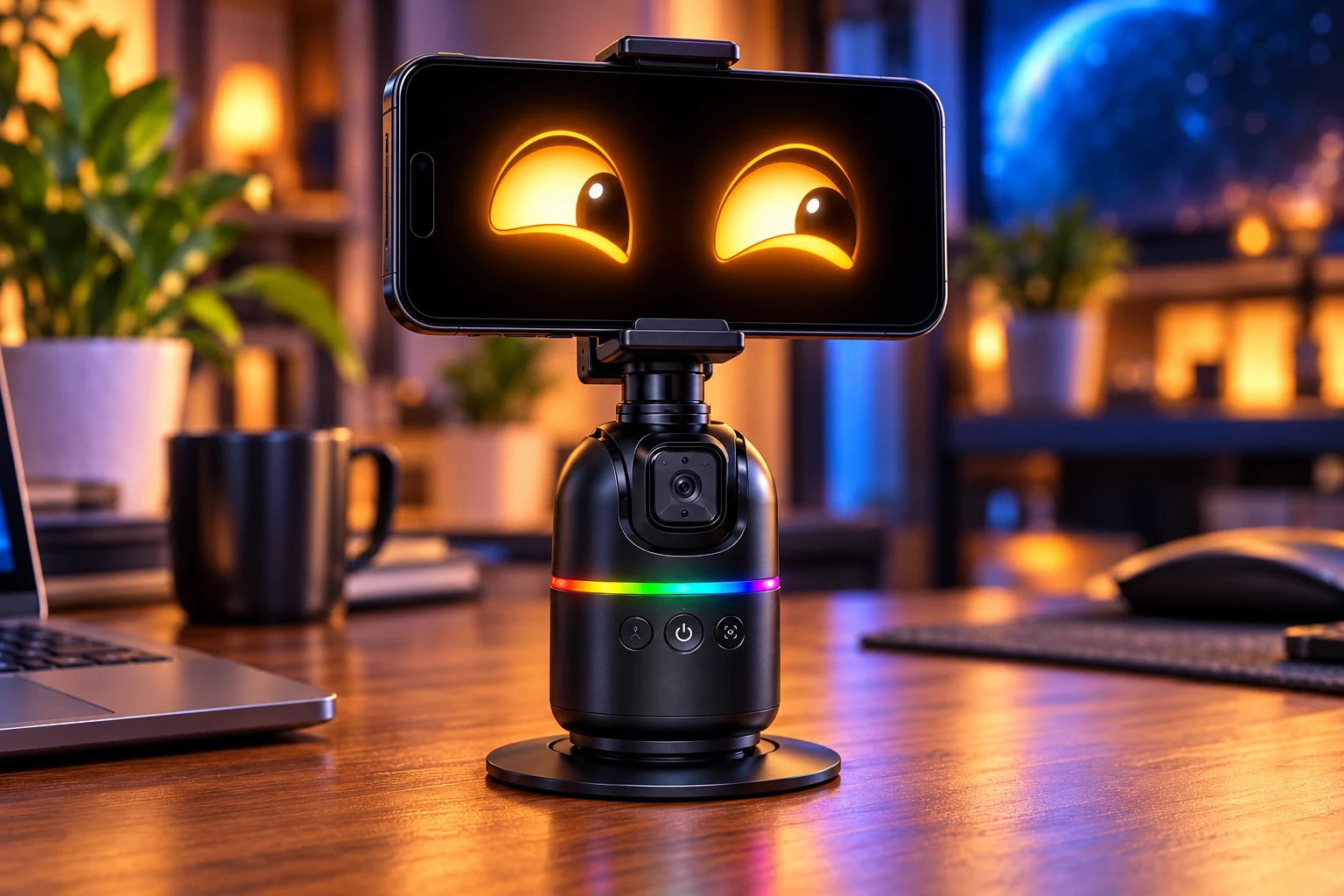
Prop it up on a phone stand. A tracking stand is optional and handles its own movement.
Choose a name, eye color, and animation speed. Settle in for a little desk-side personality.
Concept image shown. Uzy is a website; no phone or stand is included. Uzy does not control your stand.
Already have a spare phone? Start there. If you need a screen or a moving base, browse these options on Amazon.
Look for a phone with a current browser, Wi-Fi, a working speaker, and a screen you like. Check the return policy and try Uzy before choosing a dedicated device.
Shop smartphones ↗Look for landscape support, a clamp that fits your phone, and tracking that works without taking over the phone’s screen. Verify these details in the listing.
Shop tracking stands ↗Links open Amazon.com. Affiliate tracking is not currently enabled.
Browse categories, not tested product recommendations. Compatibility varies. Uzy does not control the stand; tracking is handled by the hardware. Phone and stand sold separately.
Eight expressions, idle glances, touch reactions, fullscreen mode, and local customization.
Use ChatGPT to sign in to Uzy. No new password. Configure your own AI connection in companion settings.
Choose OpenRouter, Groq, OpenAI, Gemini, or a custom compatible server. Fetch models and connect with your own API key. Provider fees may apply. Live news/search is not connected.
Animated preview. No microphone access required.